
Interactive Checklists for Your Virtual Flights
Cessna 172, Cirrus SR-22, Citation X — with fuel calculation, METAR weather, and 85,000+ airport database. All offline.
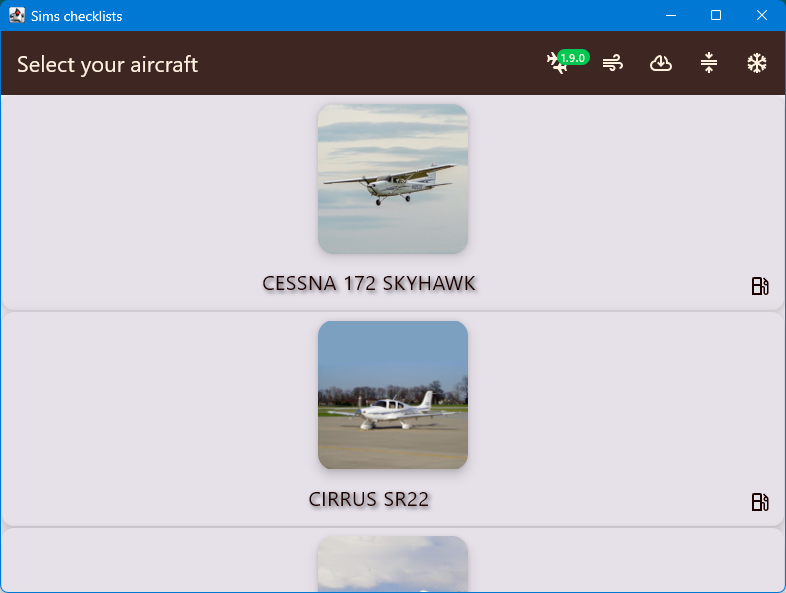
Cessna 172, Cirrus SR-22, Citation X — with fuel calculation, METAR weather, and 85,000+ airport database. All offline.
From pre-flight to touchdown, Sims Checklist covers every phase of your virtual flight.
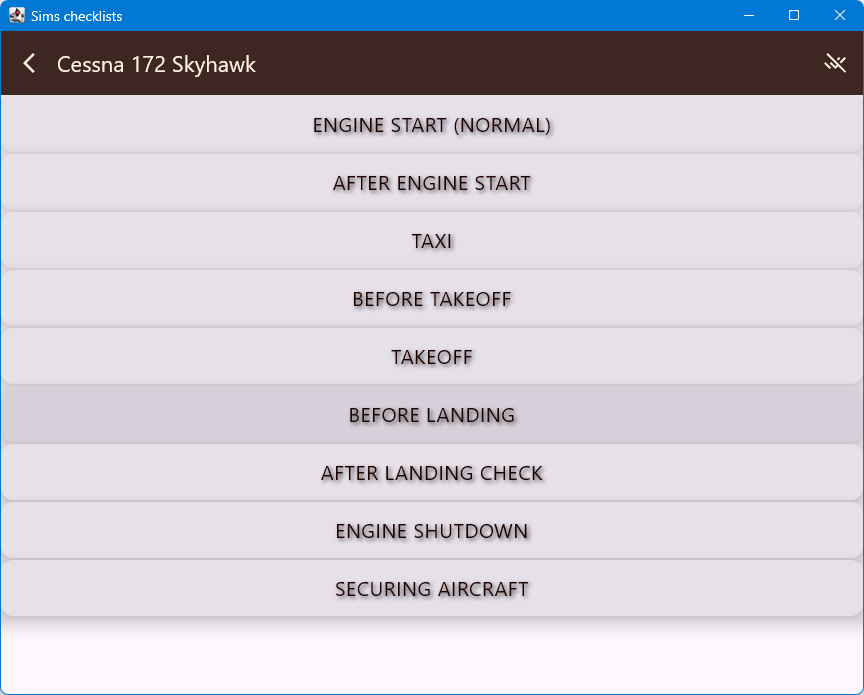
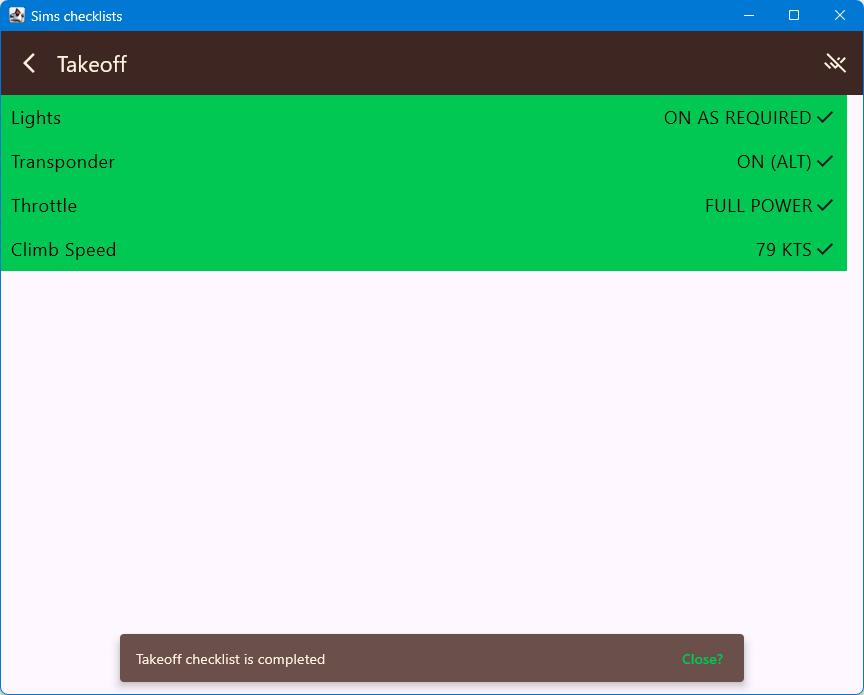
Complete pre-flight, before-taxi, before-takeoff, and in-flight checklists for Cessna 172 Skyhawk, Cirrus SR-22, and Citation X.
Plan your fuel for the trip considering distance, wind, and alternate airport using predefined aircraft performance data.
Visualize wind direction, select preferred runway for headwind, and save your top airports for quick access.
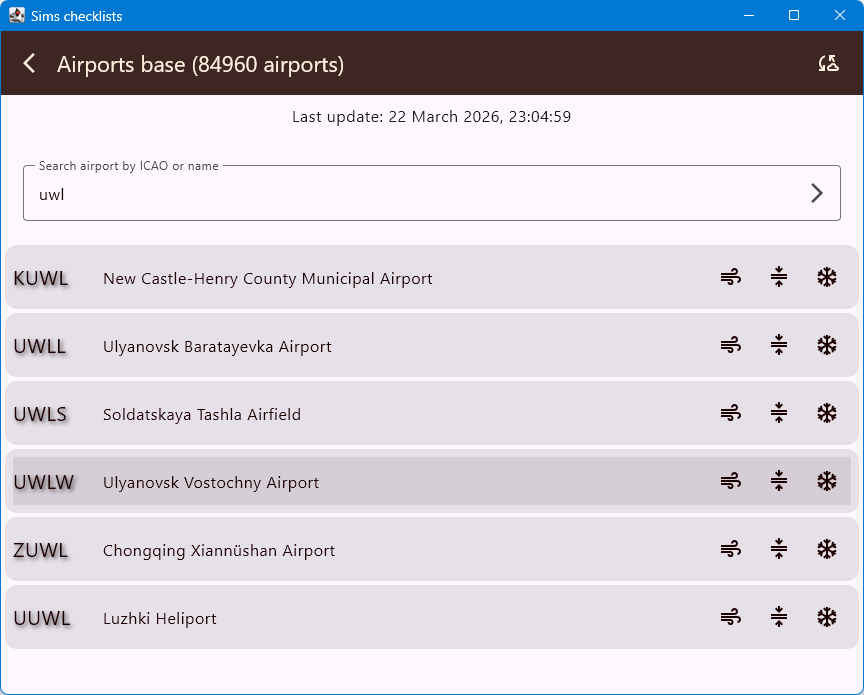
Full offline database from OurAirports. Explore airports, runways, frequencies, and search by ICAO or name.
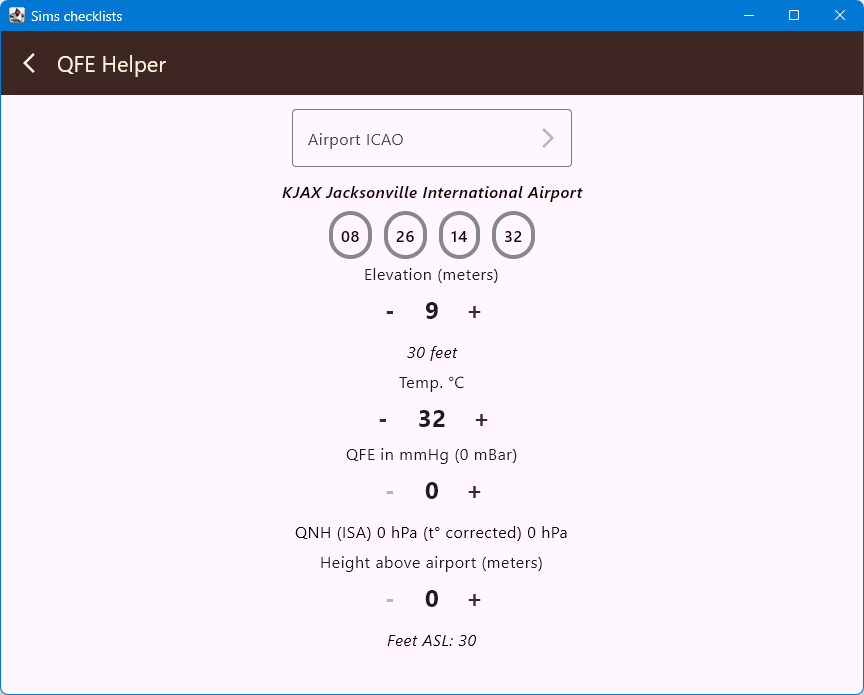
Convert QFE to QNH and meters AGL to feet ASL. Essential for modern aircraft that don't support QFE.
FAA segment-based altitude correction for cold weather approaches. Auto-loads airport elevation and METAR temperature.
From aircraft selection to final approach, every step covered.
Choose from Cessna 172, Cirrus SR-22, or Citation X with pre-loaded checklists.
Proceed through checklists and calculate fuel for your route with wind and alternate data.
Review weather conditions and visualize headwind/crosswind components on your destination runway.
Apply QFE-to-QNH conversion and cold temperature altitude correction during final approach.
Native Material3 UI on Android and Desktop with dark and light themes.
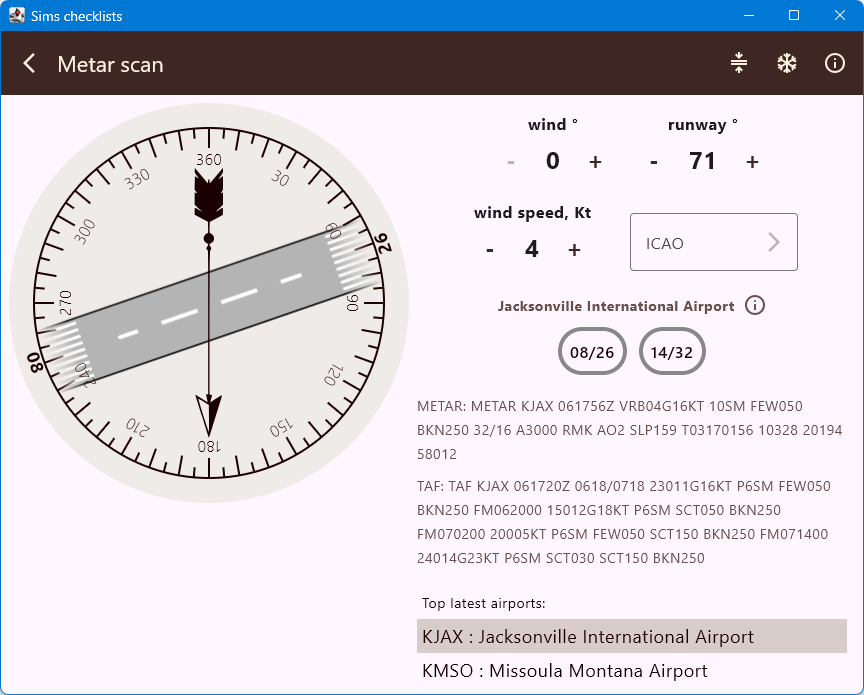
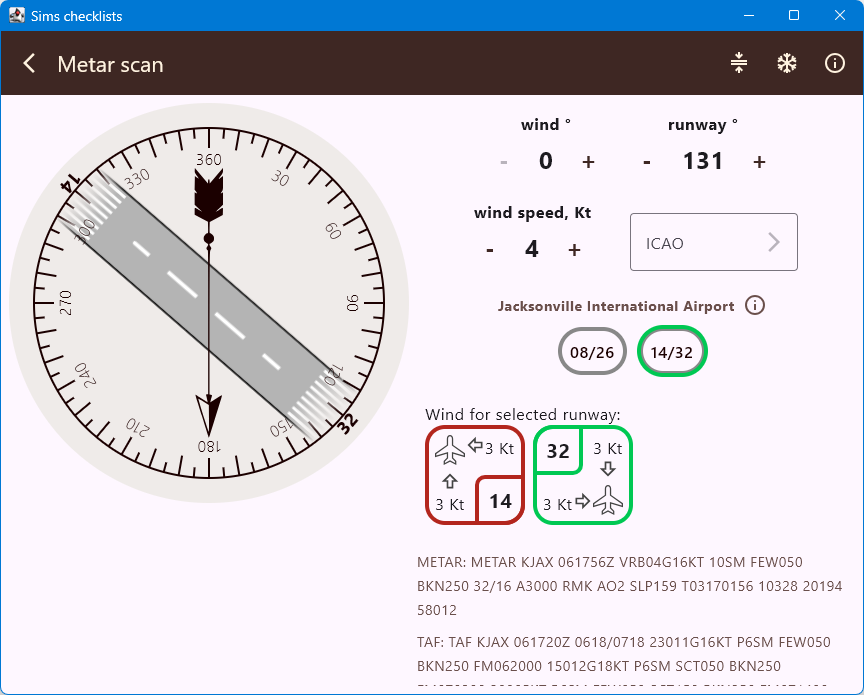
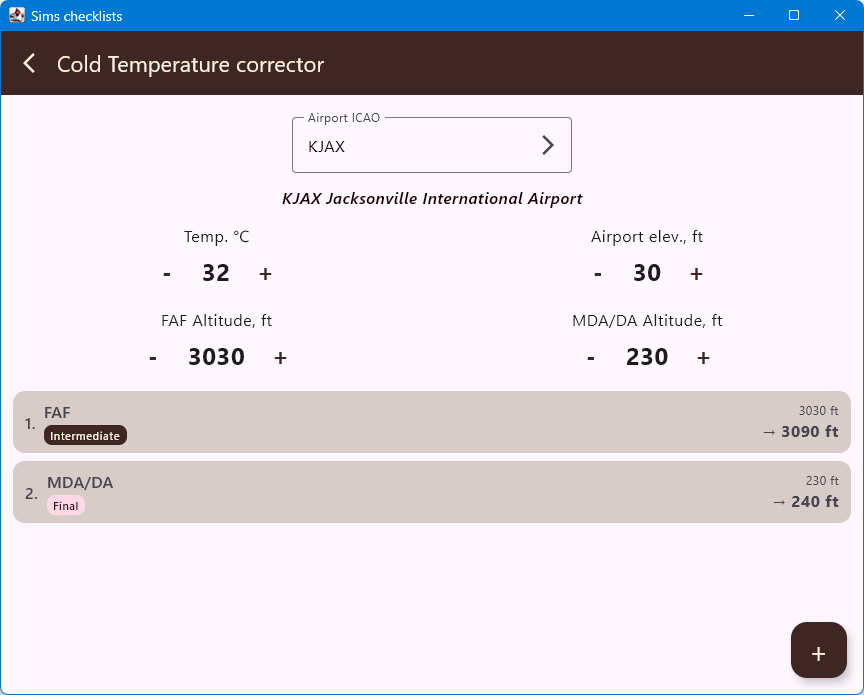
Works on Android and PC. Unified logic, native UI on every platform.
No ads, no data collection, no compromise.
Full source code on GitHub. Inspect, fork, and contribute.
No tracking, no ads, no telemetry. Your flight data stays yours.
Airport database and checklists available without internet connection.
True north runway headings for correct wind component calculation, FAA cold temp methodology.
Everything you need to know before your first flight.
Free. No ads. Open source. Built for the simulation community.
Free. No ads. Open Source (Apache 2.0)